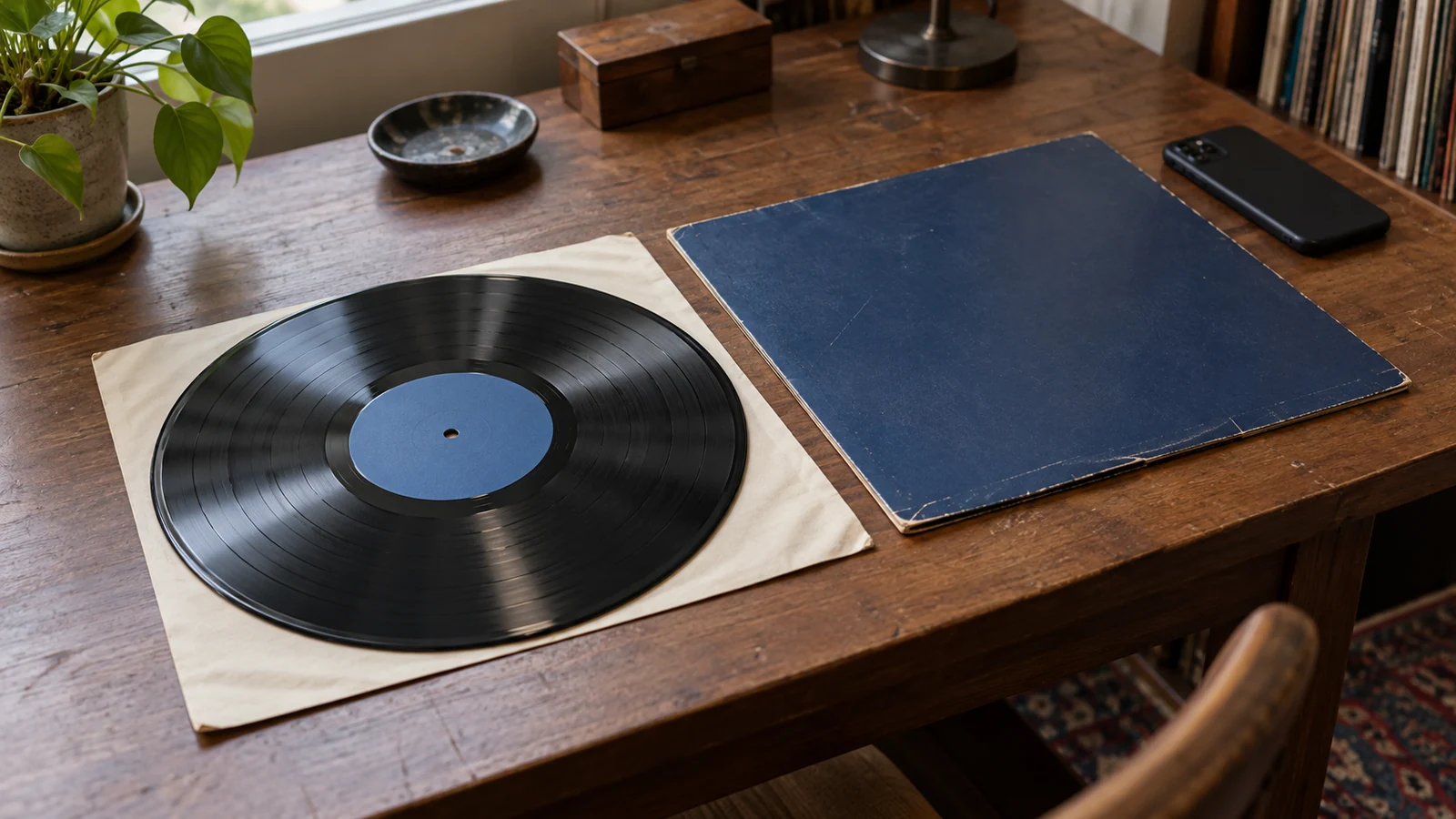
Cataloging a vinyl collection sounds like the kind of job that should take a whole weekend. It does not have to.
The trick is to avoid treating every record like a research project. Most collections can be entered quickly if you follow the same repeatable pass for every shelf: identify the release, save the pressing, add only the details you will actually use later, then move on.
My Vinyl+ is built for exactly that rhythm. You can use Discogs data, scan barcodes, keep your collection available on your iPhone, and come back later for deeper cleanup when you actually need it.
Start With One Shelf, Not the Whole Room
Do not begin by pulling out every record you own.
Start with a single cube, crate, or shelf. The goal is to finish one physical section completely, then repeat. This gives you a clean stopping point and avoids the half-catalogued pile that sits on the floor for three days.
For each record:
- scan the barcode if it has one
- search by artist and title if it does not
- check the country, year, label, and catalog number
- choose the closest Discogs release
- add it to your collection
- move to the next record
That is enough for a first pass.
Use the Sleeve, Label, and Catalog Number
Barcode scanning is fastest, but older records, imports, promos, club editions, and reissues often need a little more care.
When multiple Discogs results look similar, check the catalog number on the spine, back cover, or record label. Then compare obvious release details: label, country, year, colour, format, and track list.
You do not need to become a pressing expert for every album. You just need enough confidence that the release in your app matches the copy on your shelf.
Add Folders Only When They Help
Folders are useful when they reflect how you actually think about your collection.
Good folder ideas include:
- New arrivals
- To clean
- For sale
- Needs better pressing match
- Favourites
- Stored elsewhere
Avoid creating a huge folder system before you have entered the records. A complicated structure can slow you down more than it helps.
Start simple. You can always organize later.
Save Deep Notes for a Second Pass
Condition, purchase price, cleaning status, memories, and upgrade notes are all useful. They are also the reason many cataloging projects stall.
If you are trying to get your whole collection into an app, keep the first pass light. Add the record, confirm the release, and continue. Later, when you play or clean a record, you can add richer details with better context.
That second-pass approach works because the collection already exists in your pocket.
Check Your Progress in Small Sessions
Cataloging is easier when it becomes a repeatable habit.
Try doing 20 records at a time. That is enough to make visible progress without turning the task into admin. After a few sessions, the collection starts to feel searchable, browsable, and useful.
Once your records are in My Vinyl+, the payoff becomes immediate:
- you can check duplicates in shops
- you can browse your shelf away from home
- you can track collection value
- you can rediscover records you forgot you owned
- you can keep your Discogs-powered library on your iPhone
The Bottom Line
The best way to catalog a vinyl collection is not to make the perfect database on day one.
Get the records in. Match the pressings as well as you reasonably can. Add detail when it matters. A useful collection app should make that process faster, not more precious.
My Vinyl+ keeps the practical parts close: barcode scanning, Discogs search, offline access, collection browsing, and value tracking. That is what turns cataloging from a weekend project into a few good sessions.