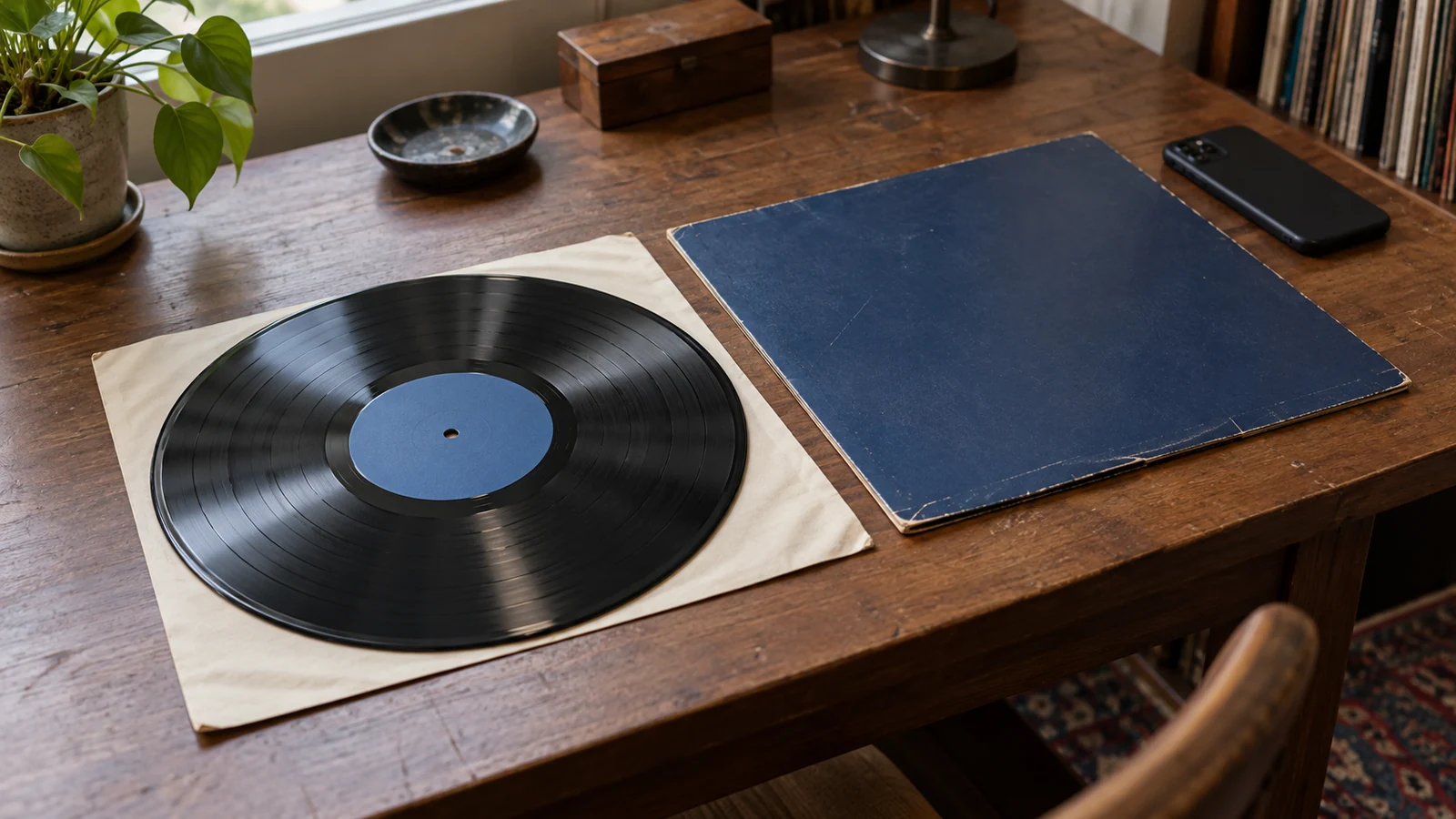
Every collector has done it at least once: you find a record in a shop, it feels familiar, the price is right, and only later do you realize the same album was already sitting at home.
Duplicate records are not always bad. Sometimes you want a better pressing, a cleaner sleeve, a colour variant, or a copy to gift. But accidental duplicates are annoying because they usually happen when your collection is not easy to check in the moment.
That is where a vinyl collection app becomes more than a nice archive. It becomes a shopping tool.
Search Before You Buy
The fastest duplicate check is a simple collection search.
When you are holding a record in a shop, search by artist or album title first. If the release has a barcode, scan it. If there are many editions, compare the catalog number, label, and country.
You are not always trying to prove the exact pressing. Most of the time, you are answering one practical question:
Do I already own this album?
Once the answer is yes, you can decide whether this copy is meaningfully different or better.
Use Offline Access Before You Need It
Record shops are not famous for perfect signal. Basement shops, fairs, and busy venues can make web-only collection checks painful.
My Vinyl+ is designed so your collection can stay accessible on your iPhone, even when the connection is poor. That matters when you are trying to make a quick decision at a crate, not slowly research from home.
Before a record fair or a long digging day, open your collection and make sure the app has synced recently. A few seconds of preparation can save you from buying the same record again.
Look for Edition Clues
If you already own the album, check whether the copy in your hand is actually different.
Useful clues include:
- catalog number
- label design
- country
- release year
- colour or variant
- barcode
- matrix or runout notes
- sleeve condition
- included inserts
You do not need to inspect everything every time. But if the shop copy looks like an upgrade, a rarer edition, or a variant you collect, then a duplicate might be intentional.
Keep a Wantlist Separate From Your Collection
A wantlist answers a different question from your collection.
Your collection tells you what you own. Your wantlist tells you what you are looking for. Mixing those together creates confusion in shops because the same album can feel familiar for two opposite reasons.
If you use Discogs heavily, keep your wantlist clean and sync your actual collection into My Vinyl+. That gives you two clearer checks:
- do I own it?
- did I want it?
Those are different decisions.
Build a Quick Record-Shop Habit
The habit is simple:
- Pick up the record.
- Search or scan it in My Vinyl+.
- Check whether it appears in your collection.
- Compare edition details only if needed.
- Buy it because you mean to, not because you forgot.
After a while, this becomes second nature.
The Bottom Line
The best duplicate prevention system is the one you can actually use while standing in front of a crate.
My Vinyl+ gives iPhone collectors a fast way to search, scan, and browse their Discogs-powered collection away from home. That means fewer accidental duplicates, better upgrade decisions, and more confidence when a good record appears at the wrong moment.