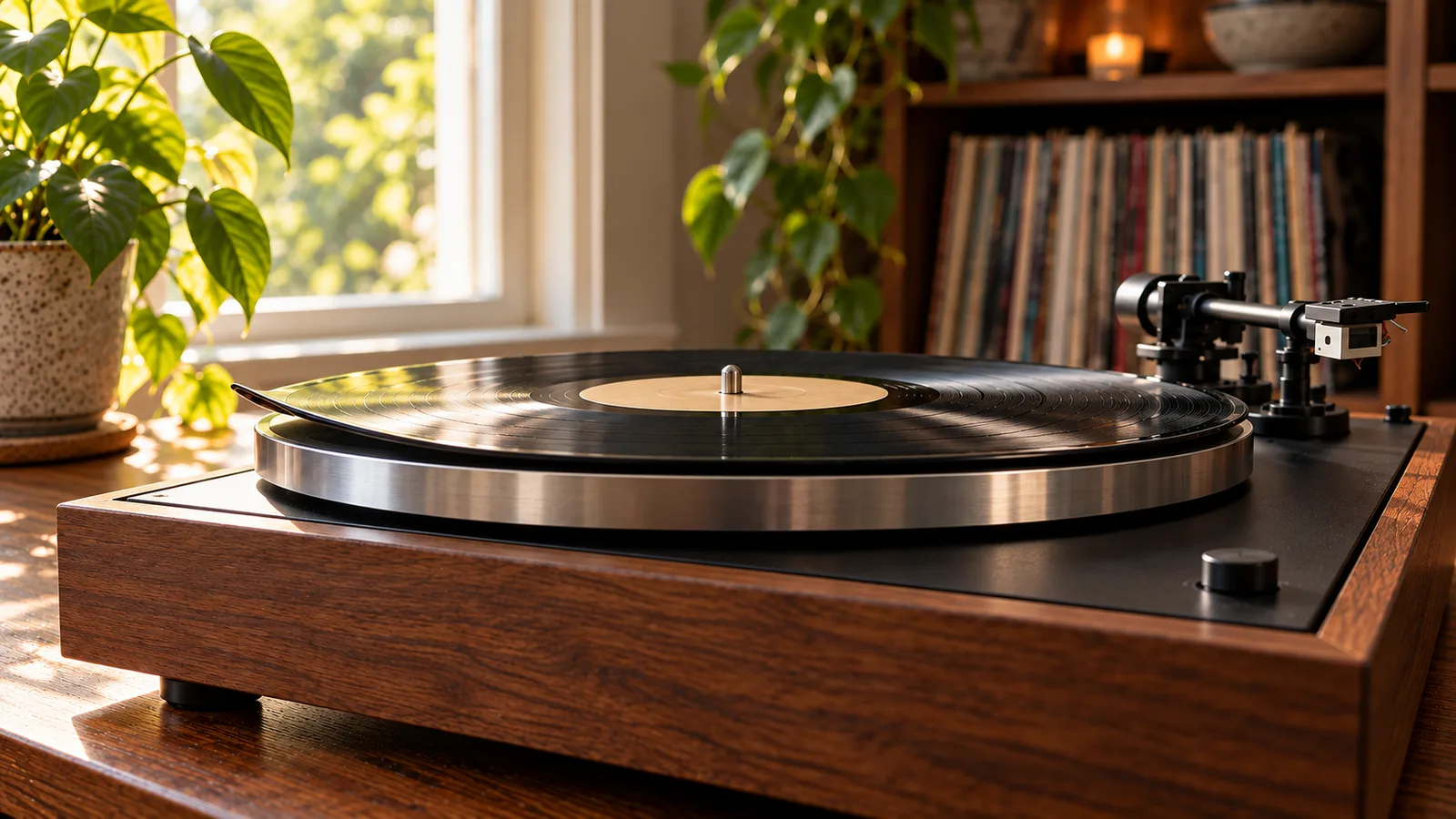
A record skips once, so you add weight to the headshell. The skip stops. Unfortunately, the stylus is now pressing harder into every groove on every record you play.
That common shortcut can trade one obvious problem for slower stylus and record wear. A skip is a symptom, not a request for more weight. The cause may be dust, a damaged groove, a dirty stylus, an unlevel turntable, vibration, or a tonearm setting that has drifted.
The safest way to find it is to start with the record and work outwards. Change one thing at a time.
First, map the skip
Play the problem passage at your normal listening volume and note what happens.
- The same record skips at the same point every time. Suspect dirt, a scratch, pressing damage, or a warp.
- Several records skip in different places. Suspect the stylus, turntable position, tracking force, anti-skate, or another setup problem.
- The skip appears only when the music is loud. Suspect vibration or acoustic feedback from the speakers.
- The tonearm jumps near the start of every record. Check whether the cueing platform is dropping fully and whether the deck is level.
- A new record skips on its first play. Do not assume it is clean or correctly pressed. Test another record before adjusting the turntable.
Audio-Technica lists incorrect tracking force, incorrect anti-skate, warps, scratches, and stylus dirt among the causes of skipping.[1] Fluance adds an unlevel surface, record debris, and a tonearm that is still touching the lift bridge.[3]
Use a replaceable record for setup tests. Keep a valuable or irreplaceable pressing off the platter until the fault is understood.
Test two more records
Choose two clean records that normally play without trouble. Use records from different pressing runs, not two copies from the same box set.
If both play cleanly, the first record is the main suspect. Inspect the exact point where it skips under a bright, indirect light. Look for a scratch crossing several grooves, a clump of debris, an edge warp, or a raised defect.
If all three skip, stop replaying the bad passage. Repeatedly dropping the stylus into the same obstacle proves little and risks damage. Move on to the turntable checks.
This two-record test matters because a record fault and a setup fault need different fixes. Turning a counterweight cannot repair a damaged groove.
Clean the record and stylus separately
Remove loose dust from the record with a clean carbon-fibre brush. If debris appears stuck in the groove, use a proper wet-cleaning method and let the record dry fully before another play.
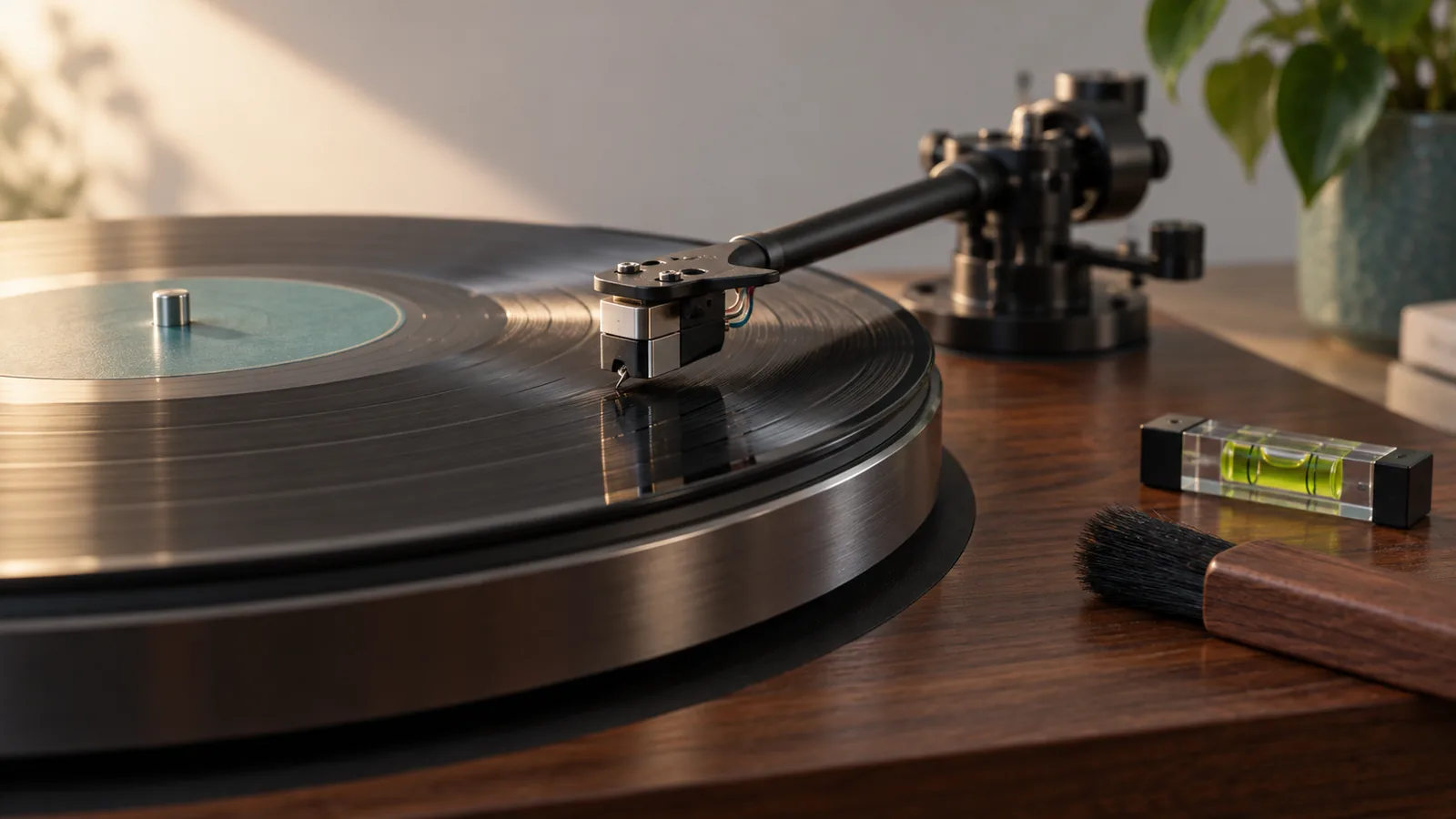
Then inspect the stylus with the turntable off and the tonearm secured. A small dust bundle can stop the tip sitting properly in the groove.[1][3]
Use the cartridge maker’s cleaning method. For a conventional stylus brush, Ortofon says to move from the rear of the cartridge towards the stylus tip, never backwards or from side to side.[5] Do not use a finger, household brush, or an improvised liquid. Some cartridge makers limit which fluids can touch the stylus or cantilever.
Run the same short passage once after cleaning. If the skip has gone, do not adjust anything else.
Check that the turntable is level and stable
Put a small spirit level on the platter with the turntable switched off. Check front to back and left to right. A phone level can be a rough first check, but a simple physical level is easier to repeat.
Adjust the turntable feet if the model permits it. Otherwise, level the furniture or use a stable platform designed for the job. Do not wedge folded paper under one corner and call it finished.
Now test for movement:
- Lower the volume.
- Play a clean, ordinary record.
- Walk past the turntable as you normally would.
- Bring the volume back to your usual level.
- Listen for a skip that follows footsteps or bass-heavy passages.
Keep the turntable off the same flexible surface as the speakers. Move a subwoofer away from the turntable and its stand. If lowering the volume stops the skip, that points towards vibration rather than a groove fault.
Verify tracking force from the manual
Do not add a coin to the headshell. Do not turn the counterweight by guesswork.
Find the manual for the exact cartridge and turntable. Use the cartridge maker’s recommended tracking-force range, then follow the turntable maker’s balancing procedure. Audio-Technica warns that tracking force set either too light or too heavy can cause skipping.[1]
Too little force can let the stylus lose contact with the groove.[1] Too much is not a sensible cure. It can increase wear and may push the suspension outside its intended operating range.
If the tonearm has an adjustable counterweight, a stylus-force gauge gives you an independent reading. Measure at roughly record-surface height. The numbered ring on a counterweight is only useful if the arm was balanced correctly before the ring was zeroed.[3]
Some turntables have fixed tracking force. Do not modify them to imitate an adjustable arm. If a fixed setup skips across several clean records after the basic checks, use the manufacturer’s support route or a repair technician.
Set anti-skate as the maker specifies
Anti-skate applies an outward force to counter the tonearm’s tendency to move inward during playback.[5] On many domestic turntables, the recommended starting value matches the tracking-force number. That is a starting point, not a universal law.
Fluance tells owners to set anti-skate to zero before balancing the tonearm, then set it to match the tracking weight after balancing.[3] Follow the instructions for your model if they differ.
Do not chase a skip by swinging the anti-skate dial from one extreme to the other. Confirm tracking force first, make a small change, and replay the same short passage. If the control has no effect or the arm behaves unpredictably, stop and arrange service.
Check the cueing platform and tonearm movement
With the turntable off and the stylus guard fitted, move the tonearm gently across its normal arc if the manual allows it. It should move freely without a cable pulling it back or the cueing platform rubbing underneath.
Fluance notes that contact with the tonearm lift bridge can cause skipping, especially near the lead-in groove.[3] Lower the cueing lever and look from the side. The arm should settle onto the record without the lift platform continuing to support it.
Do not bend the cueing platform or dismantle the arm. Height and descent adjustments vary by model. Use the service instructions or a technician.
Rule out speaker vibration
A cartridge is a vibration sensor. It cannot tell the difference between movement from the groove and enough movement arriving through a shelf, floor, or nearby speaker.
Try this controlled test:
- Play the problem section quietly.
- Repeat at your usual volume.
- Repeat once with the speakers moved farther from the turntable, if practical.
- Keep every other setting unchanged.
If the skip appears only at higher volume, improve isolation and placement before touching cartridge alignment. A rigid wall shelf can help on a springy floor, but the right answer depends on the room and turntable design.
Do not test feedback by pushing the cabinet or stamping beside the deck. That only proves a hard knock can make a stylus jump.
Know when the record is at fault
A visible scratch that crosses the groove path can make the stylus repeat or jump forward. A severe warp can make the stylus lose the groove.[1] Audio-Technica includes both scratches and warps in its skipping checks.[1]
Clean the record once, confirm the fault on a correctly set up turntable, and compare another copy if one is available. For a new purchase, document the skip and contact the seller while the return window is open.
Avoid internet fixes that scrape, heat, glue, or cut the groove. They are irreversible. A cheap damaged record may be an experiment to somebody, but a collectible pressing is not the place to learn groove surgery.
Use this order of checks
- Note whether the skip repeats at one exact point.
- Test two known-good records.
- Clean the problem record and the stylus separately.
- Check that the turntable is level and stable.
- Test at low and normal volume for vibration.
- Verify tracking force against the cartridge specification.
- Set anti-skate according to the turntable manual.
- Check that the cueing platform clears the arm.
- Stop if the stylus, cantilever, tonearm, or cartridge looks damaged.
Change one variable, then replay one short section. A methodical ten minutes beats an evening of random knob turning.
When to stop
Arrange service if the cantilever is bent, the cartridge body touches the record, the tonearm sticks, tracking force will not remain stable, or several clean records still skip after correct setup.
Replace a damaged stylus with the exact compatible part. Rebalance and reset the tonearm when the cartridge or stylus instructions require it. Do not keep playing records to see whether a visibly damaged stylus gets better.
The bottom line
Start with the pattern. One record skipping in one place points towards the record. Several records skipping points towards the stylus, turntable position, vibration, or setup.
Clean first. Level the deck. Check tracking force and anti-skate against the manuals. Never add a coin or extra weight as a shortcut.
A skip may disappear in seconds. The useful result is knowing why it disappeared, so the next record does not pay for the fix.
Sources
[1] https://www.audio-technica.co.jp/document/AT-LP2022/en/Content/Turntable/AT-LP2022/troubleshooting/troubleshooting.html — Audio-Technica AT-LP2022 troubleshooting [3] https://support.fluance.com/s/article/What-can-I-do-if-my-records-are-skipping — Fluance: What can I do if my records are skipping? [5] https://ortofon.com/pages/dj-setup-essentials — Ortofon: DJ setup essentials