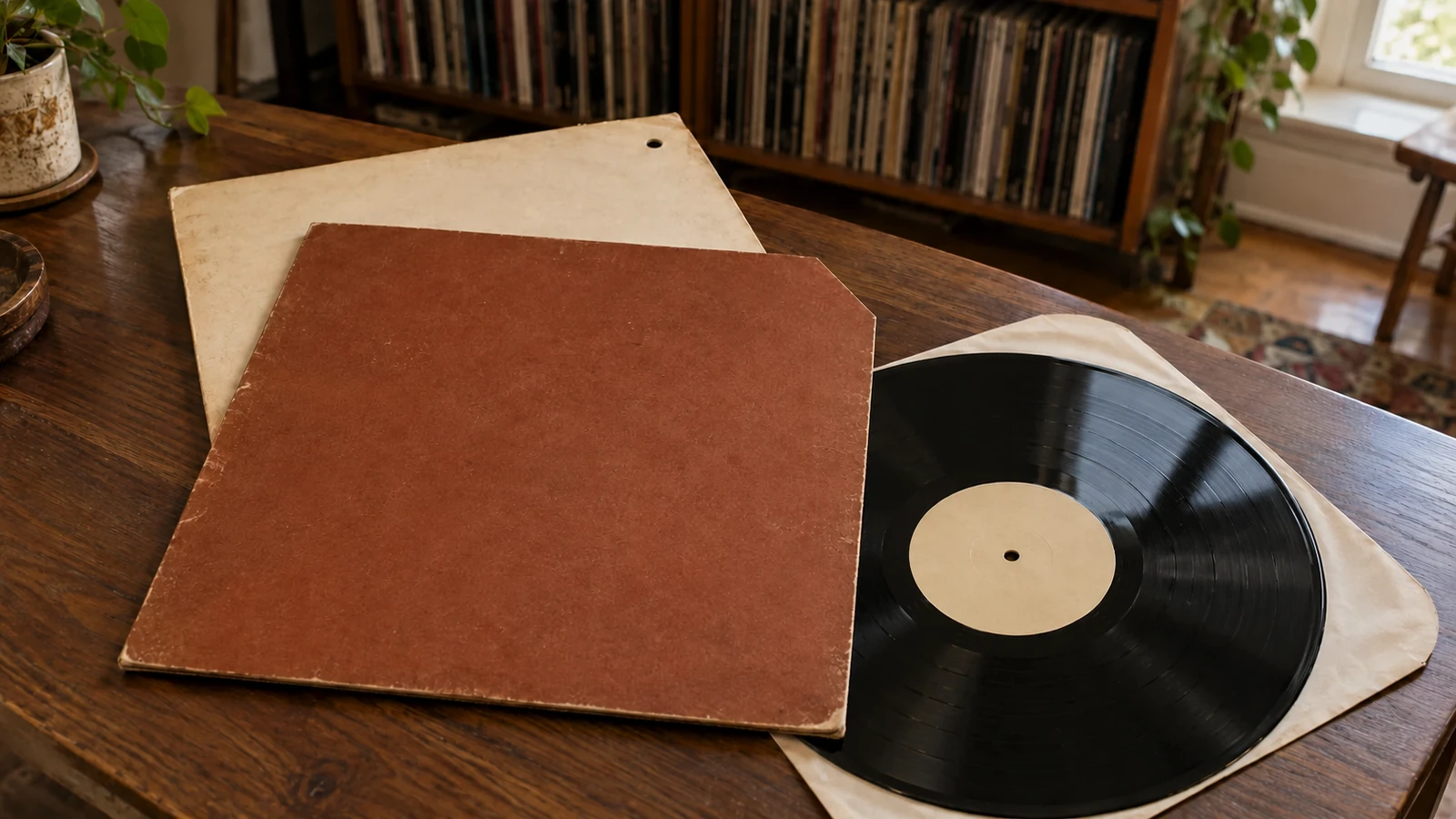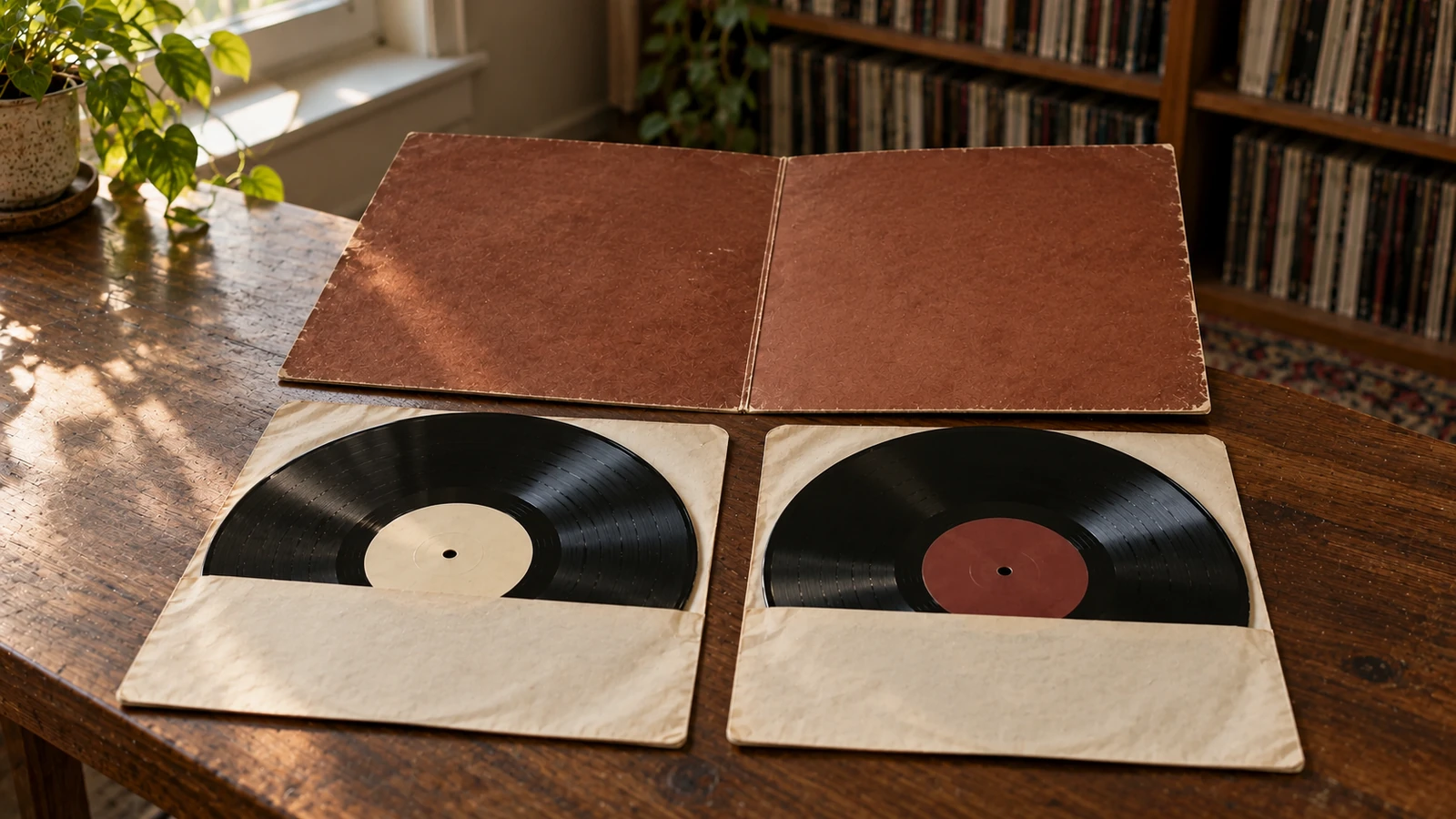
You finish side one of a double album, turn the record over, and find side four. The other disc has sides two and three. Before deciding that somebody packed the wrong records, check all four labels.
That arrangement can be entirely intentional. It is called auto-coupling: on a typical auto-coupled double LP, one disc carries sides 1 and 4, while the other carries sides 2 and 3.[27] In lettered terms, that is A/D and B/C.[27]
It makes sense once you know what the records were designed to play on. It is less convenient when your turntable plays one disc at a time.
The sides were paired for a record changer
A drop-type record changer could hold several records above the platter and lower the next one after the previous side finished.[3] The listener could hear a series of sides without changing each record by hand.[3]
For a double album, separating sides one and two onto different discs allowed those sides to play consecutively in the changer.[27][40] Turning the whole stack over then put sides three and four in playing order.[40]
That is the reason for the apparently backwards pairing. The sides are in listening order across the stack, rather than across the two faces of each disc.
The arrangement is also called automatic sequencing, and it predates the LP.[3] Marc Shepherd’s recording discography explains several historical coupling systems, including manual, slide-automatic and drop-automatic sequences.[3] They were responses to different ways a changer handled its records, not interchangeable names for one universal layout.[3]
You do not need a record changer to play an auto-coupled album. You only need to choose the next numbered side rather than automatically flipping the disc.
How to play it on a single-play turntable
Start by identifying the two physical records from their labels. For the common double-LP layout described in the Discogs guidelines, the pairing is:[27]
- First disc: sides 1 and 4, or A and D.[27]
- Second disc: sides 2 and 3, or B and C.[27]
To hear that album in order:
- Play side 1 of the first disc.
- Put that disc back in its inner sleeve. Take out the second disc and play side 2.
- Flip the second disc and play side 3.
- Return it to its sleeve. Take out the first disc again and play side 4.
The physical sequence is first disc, second disc, second disc, first disc. The musical sequence remains 1, 2, 3, 4.
Keep the unused disc in its sleeve while the other plays. When swapping records, handle them at the edge and label areas rather than the grooves, as the Library of Congress advises for LPs.[47]
For an album you play often, I would tuck a loose note inside the jacket: “Disc with 1/4 first, then both sides of 2/3, then 4.” There is no need to add stickers to the original labels or rewrite anything on the sleeve.
Check a used set before calling it complete
Two records in a gatefold are not enough information. Read both faces of both discs.
Use this short check at the shop, or ask an online seller for photographs of all four labels:
- List the side numbers. Do you have 1, 2, 3 and 4 exactly once?
- Write down the pairings. Are they 1/4 and 2/3, or 1/2 and 3/4?
- Match the edition. Compare the labels, catalogue numbers and track titles with the specific release you are considering.
- Investigate anything unexplained. A repeated side, an absent side, or a disc from a different edition needs more checking.
For example, two discs that both carry sides 1 and 4 do not make a complete four-side album. You would have two copies of the same portion and no sides 2 or 3. That is a different problem from a correctly auto-coupled set.
Do not reject a set just because it is not coupled like a copy you already own. Discogs explicitly notes that side order can change between versions of a release.[27] Check the actual edition before assuming that one pairing is wrong.[27]
If the labels and packaging leave you unsure which pressing the discs belong to, the next useful check is the matrix and runout information. Side pairing tells you how the discs fit together. It does not replace pressing identification.
Why the online tracklist looks different
An auto-coupled record can appear perfectly conventional in an online tracklist. Discogs instructs contributors to enter these releases in the intended A, B, C, D order and note the auto-coupling in the release notes.[27]
So seeing A followed by B on the page does not necessarily mean those sides share one piece of vinyl.[27] Read the notes and examine the label photographs as well as the song list.
If you are documenting your own copy, keep two details separate:
- The intended listening order: 1, 2, 3, 4.
- The physical pairing: 1/4 and 2/3.
A short copy note is more useful than rearranging the album’s tracklist to match the discs. It also gives you something clear to tell a buyer if you eventually sell the set.
Follow the labels on larger sets
Do not stretch the double-LP shortcut into a rule for every box set. Shepherd’s historical examples include a four-record drop-automatic set paired 1/8, 2/7, 3/6 and 4/5, but also a different slide-automatic arrangement.[3]
For an unfamiliar multi-disc set, write a small map of the two sides on each physical record, then follow the intended side order. Discogs’ guidance is to follow the side order on the specific release, not assume that every version is arranged alike.[27]
The useful habit is simple: read the next side before lowering the stylus. A label saying “Side Four” on the back of “Side One” can be a clue to how the album was designed, not a fault to fix.[27]
Sources
[3] Marc Shepherd: explanation of side coupling for 78rpm sets
[27] Discogs: tracklisting guidelines, section 12.2.3
[40] Maritime Vinyl: why sides 1 and 4 share a record
[47] Library of Congress: care, handling and storage of audio visual materials