You lift a record and the mat comes with it. The inner sleeve clings to the disc. Dust seems to land on the grooves before the stylus does.
That is a static problem. It often gets worse when indoor air becomes drier, which is why a setup that behaved all summer can turn awkward once the heating goes on.
Static is manageable, but it is easy to confuse with dirt, groove damage, or an equipment fault. The useful approach is to prove what you are hearing, remove the charge safely, then stop it building up so quickly next time.
Check that static is really the problem
Static does not explain every pop. Audio-Technica notes that micro-scratches can also cause crackle, including marks too small to see. Dirt embedded in the groove and pressing defects can sound similar.
Look for several clues together:
- the record attracts loose dust soon after cleaning
- the disc or platter mat lifts with the record
- the inner sleeve grips the vinyl or crackles as you pull it out
- the noise changes after an anti-static treatment
- the problem is worse in a dry room or during colder months
A repeatable click at the same point on every play is more likely to come from debris or damage. Random light crackles that change between plays fit static more closely.
Do not diagnose with a treasured first pressing. Choose a clean, replaceable record you know well.
Start with the cheapest sensible fix
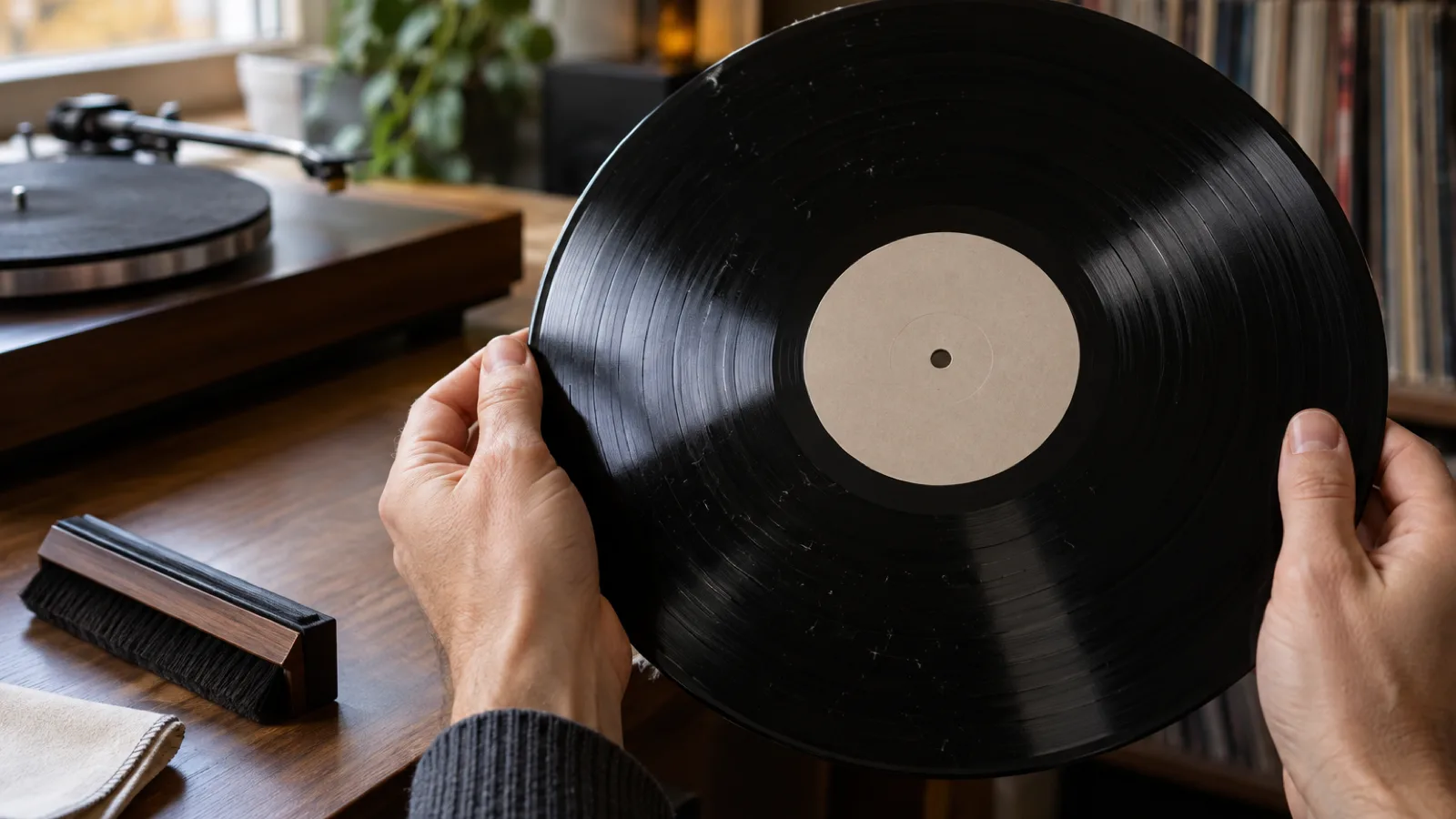
Use a conductive carbon-fibre brush made for records. Place the record on the platter without starting playback. Let the fibres rest lightly across the grooves for a few rotations, then draw the brush slowly towards the edge.
The aim is gentle contact. Pressing harder will not pull out more charge, and dragging collected grit across the surface can add scratches.
The handle matters. Hold the conductive part as the maker instructs so the charge has somewhere to go. Some brushes add a separate earth lead. Pro-Ject’s grounded brush, for example, uses conductive fibres and an earthing cable to reduce electrostatic charge while lifting fine dust.
A brush is a good first step, not a magic eraser. It removes loose dust and may reduce a modest charge. A badly charged record may need a better route to ground or an ionising tool.
Change the inner sleeve
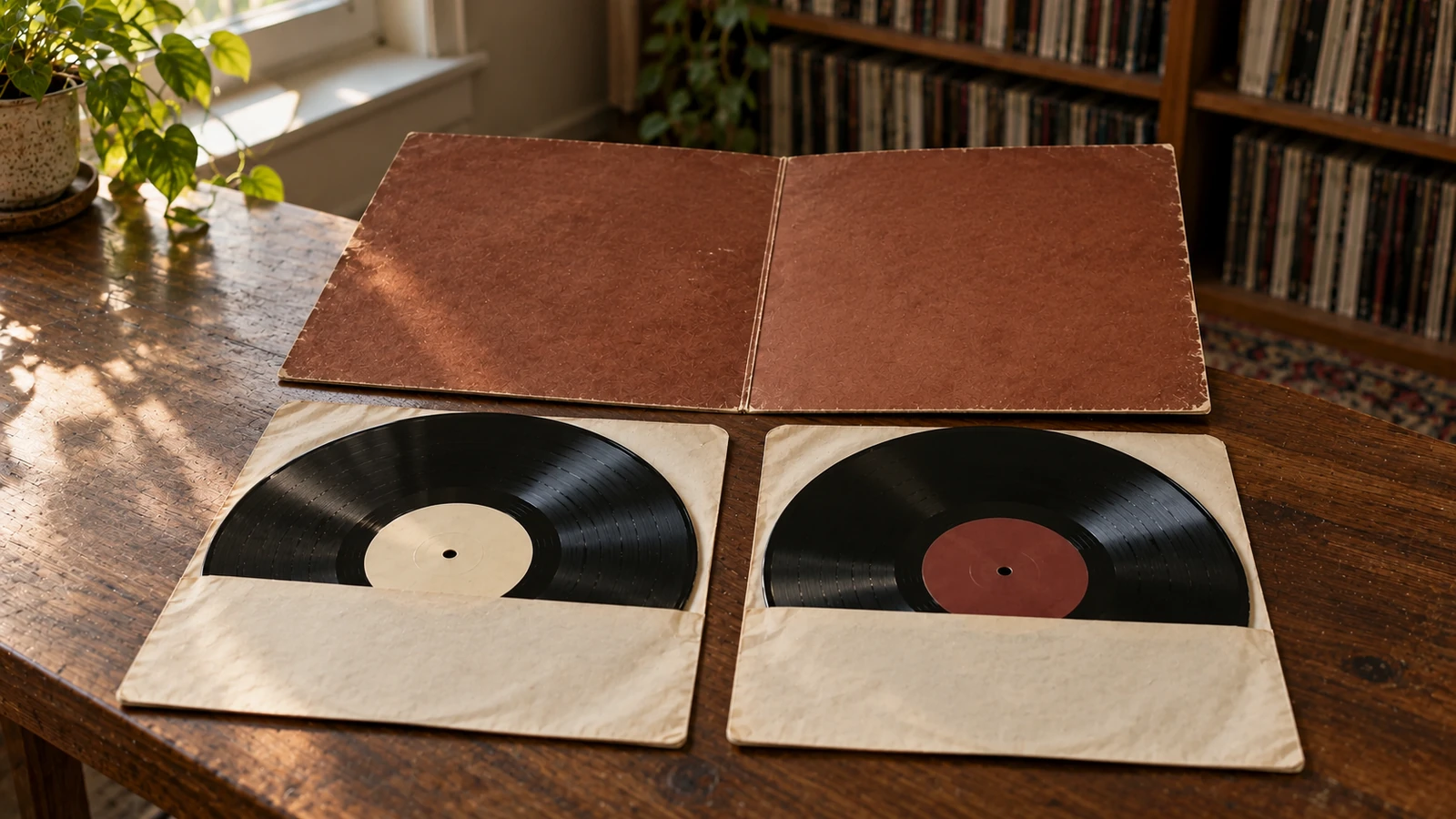
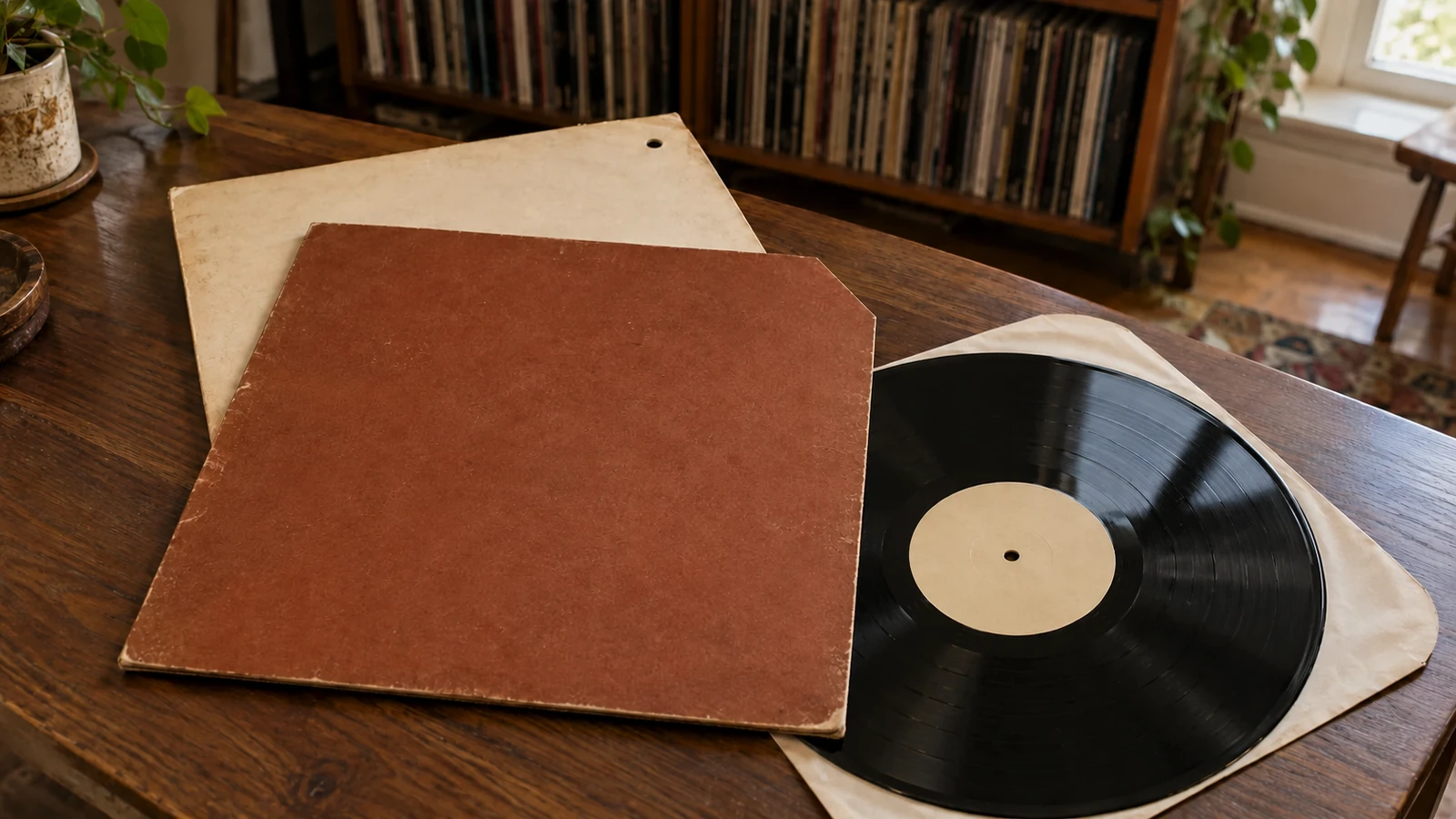
Pulling vinyl from a sleeve can create charge through friction. A rough paper sleeve also sheds fibres and can mark the playing surface.
After a proper clean, place the dry record in an anti-static inner sleeve. Audio-Technica recommends combining anti-static sleeves with a carbon brush or an anti-static cleaning solution.
This does not mean every paper sleeve belongs in the bin. Printed original inners may be part of the release. Keep the original inside the jacket for completeness, then store the disc in a separate anti-static sleeve.
Do not force a clinging record out of its sleeve. Hold the sleeve open, let gravity move the disc towards your waiting hand, and touch only the edge and labelled centre. If the sleeve still grabs the record, treat the static before repeating the struggle.
Wet-clean records that keep attracting dust
Dry brushing moves loose dust. It does not remove oily residue or dirt already sitting in the groove.
If a record remains noisy and dust-hungry after brushing, give it a proper wet clean with a record-safe fluid and method. Follow the cleaner’s instructions, keep fluid away from labels unless the system protects them, and let the record dry fully before it goes into a fresh inner sleeve.
Wet cleaning can reduce charge, but a bad drying method can put it straight back. Avoid rubbing the surface with an ordinary dry cloth. Fluance specifically warns that dry fabric on an acrylic platter can worsen static. The same basic lesson applies to records: friction is not your friend.
Never improvise with household surface spray, glass cleaner, fabric softener, or a tumble-dryer sheet. Their residues do not belong in a record groove or on a stylus.
Use an ionising tool for stubborn records
An anti-static gun or another purpose-made ionising device can neutralise charge without touching the playing surface. Audio-Technica describes this as a stream of positive ions followed by negative ions that dissipates the charge.
These tools make more sense when:
- static returns after almost every play
- you live with consistently dry indoor air
- the platter mat regularly sticks to records
- a large collection makes repeated wet cleaning impractical
Follow the manufacturer’s technique and distance. Do not point an unknown high-voltage gadget at a cartridge, phono stage, or other electronics. A record-care tool with published instructions is worth paying for here.
Treat the room, not only the record
Fluance identifies low humidity as a common contributor to static, especially in colder months when indoor air is drier. If static appears seasonally across many records, check the room rather than treating each disc as a separate failure.
A basic hygrometer will show whether the room changes when the heating comes on. If you use a humidifier, keep it clean and follow its instructions. Do not blow mist at the turntable, records, sleeves, or electronics. Too much moisture brings a different set of collection problems, including mould.
The goal is a stable living space, not a damp listening room.
Also check the setup for friction:
- remove a felt mat temporarily and see whether the problem changes
- make sure a replacement mat matches the turntable maker’s requirements
- stop wiping acrylic platters with dry fabric
- keep records clean so static has less loose dust to collect
Audio-Technica warns that changing mat thickness can alter vertical tracking angle on turntables without height adjustment. Do not fix static by quietly changing the cartridge geometry.
Use a five-minute static routine
For a record that crackles and clings, work in this order:
- Inspect it under a strong light for visible debris and damage.
- Use a conductive record brush with light pressure.
- Play a short familiar passage and note whether the random crackle changes.
- Wet-clean the record if dirt or residue remains.
- Let it dry fully and move it to an anti-static inner sleeve.
- Use a purpose-made ionising tool if the charge persists.
- Check room humidity and platter-mat behaviour if several records have the same problem.
Change one thing at a time. Otherwise, you will not know whether the brush, sleeve, wet clean, or weather made the difference.
Keep static separate from record condition
Static is temporary. Groove wear is not. Do not lower a condition grade because a clean-looking record arrived charged, and do not assume an anti-static treatment has repaired a damaged copy.
If one pressing repeatedly crackles after the same routine leaves other records quiet, save a short note against that exact release in My Vinyl+. Record the side, track, cleaning date, and whether the noise repeats in the same place. That turns vague “surface noise” into something you can compare after another clean, a stylus change, or a different setup.
It also stops you cleaning the same record five times because you forgot what happened last time.
The bottom line
Start with a conductive brush, a clean anti-static inner sleeve, and less friction. Wet-clean stubborn records properly. Use an ionising tool when the charge keeps returning, and check the room when the whole collection becomes clingy as the weather changes.
Static can attract dust and add random crackle, but it is not the only source of noise. Test with a familiar record, change one variable, and keep damage, dirt, and electrical faults in the investigation until the result proves otherwise.
Sources: Audio-Technica: Vinyl Static and Crackle, Fluance: Reducing Static on Your Turntable and Records, Pro-Ject Audio Systems: Brush it Premium.