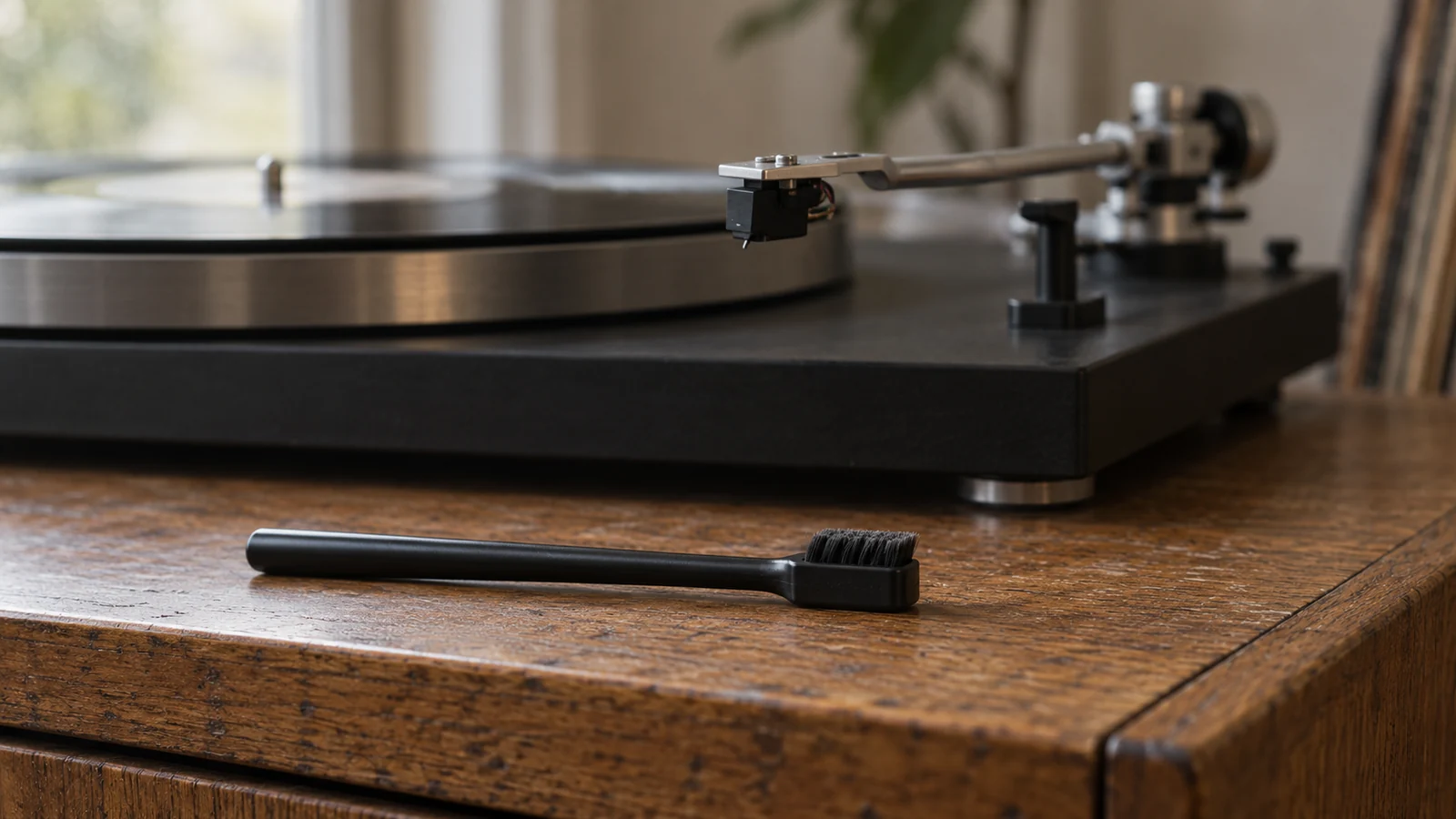
A tuft of lint beneath the cartridge can make the next step seem obvious. Reach for a brush, flick it away, and get back to the record. The problem is deciding which way to move the brush before it touches anything.
I would pause there, even if a cleaner is already beside the turntable. Audio-Technica describes a liquid-cleaning method, while Ortofon warns against solvents on its stylus assemblies.[1][2] Advice that is right for one cartridge is not automatic permission to use it on another.
The useful routine begins with the cartridge model, then a clear view of the tip. Here is how I would approach ordinary dust removal, distinguish it from more involved cleaning, and decide when to leave the assembly alone.
Identify the cartridge before choosing a cleaner
The stylus tip is the part that follows the groove. The cantilever is the small projecting member that carries it. Audio-Technica warns that sideways brushing can damage that cantilever.[1] A cleaning motion needs to respect the assembly, not merely reach the visible speck.
Find the cartridge model and, if it has a replaceable stylus, identify the fitted stylus too. Check its instructions rather than choosing a method from the turntable brand alone. If the cartridge has been changed since the turntable was bought, the original turntable manual may describe a different assembly.
The Library of Congress gives a useful general rule for playback equipment. Follow the manufacturer’s cleaning instructions, and leave more thorough maintenance to knowledgeable professionals with the right equipment.[3] That is the boundary I would use for a cartridge whose history or condition is uncertain.
A brush supplied with the cartridge is a better starting point than an improvised household tool. Ortofon specifies its enclosed fiber brush, and SoundStage Access likewise tells owners to use the dedicated stylus brush and follow the cartridge maker’s directions.[2][4]
Set up before touching the tip
Turn the volume down completely or mute the playback system before cleaning. Thom Moon’s SoundStage Access guide warns that brushing the stylus while the phono input is active can send an unpleasant noise through the speakers.[4] Do this before bringing a tool near the cartridge.
Stop the turntable and arrange enough light to see the tip without leaning against the deck. I would put the brush within reach first, so there is no need to reach across the arm while holding it. If the location makes a controlled movement awkward, change the working position instead of trying to clean by feel.
Check how the maker wants the cartridge supported. Audio-Technica’s liquid-cleaning instructions suggest removing a detachable cartridge and headshell assembly for a clearer view.[1] That does not mean every tonearm has a removable headshell, or that pulling out a replaceable stylus is a required cleaning step.
Do not loosen cartridge mounting screws just to reach some lint. If safe access requires dismantling something unfamiliar, stop and consult the manual or a dealer. A routine dust check should not turn into an unplanned alignment job.
Brush in one direction, not back and forth
For cartridges whose instructions permit dry brushing, keep the movement along the direction specified by the maker. Ortofon says to move its fiber brush along the cantilever toward the stylus. Audio-Technica describes rear-to-front brushing and explicitly rejects side-to-side movement.[1][2]
Here is the sequence I would use after checking those instructions:
- Stop the platter and mute the system. Make sure the brush is a stylus-cleaning tool appropriate for the cartridge.
- Position and support the assembly as its manual directs. Get a clear view before making contact.
- Identify the rear-to-front direction on the cartridge itself. Do not translate it into left or right, which changes with your viewing angle.
- Make the light, controlled stroke the maker describes. Lift the brush clear to reset rather than scrubbing back toward the cartridge body.
- Inspect again. If ordinary loose dust remains, repeat only as the instructions allow. If the deposit resists, stop rather than increasing force.
Michael Fremer’s 2012 Analog Planet maintenance article also specifies back-to-front brushing, never front-to-back.[5] I would retain that directional advice without treating his more forceful cleaning language as a target for someone learning the motion.
The objective is to remove debris, not to make the cantilever visibly flex. If you cannot control the brush well enough to follow the specified path, get help with the technique before continuing.
Treat liquids and gels as model-specific methods
Ortofon’s care page warns that solvents can damage stylus cement and that liquid intrusion can affect internal cartridge parts.[2] Audio-Technica’s tutorial, by contrast, describes an ethanol-based stylus cleaner, with excess fluid wiped off the applicator and care taken not to drip it onto other cartridge parts.[1]
Those instructions are not interchangeable. A bottle sold for stylus cleaning does not establish compatibility with every cartridge. Fremer’s article makes manufacturer approval a condition for liquid use, even while recommending it in his own routine.[5]
I would not substitute record-cleaning fluid, household alcohol, or an improvised mixture for an approved stylus method. If the cartridge maker prohibits solvents, another company’s cleaning tutorial does not override that prohibition. If approval is unclear, ask the cartridge manufacturer before applying anything.
Gels require their own instructions too. Audio-Technica’s tutorial says its gel method uses momentary contact, with no platter movement, no forcing the stylus into the material, and no prolonged contact.[1] That is a description of its specified method, not an endorsement of every sticky pad or gel sold for the job.
Know when cleaning should stop
A stubborn deposit is a reason to reassess the method. It is not a reason to push harder or pick at the tip. I would seek manufacturer or dealer advice if routine approved cleaning leaves material attached, especially if I cannot distinguish debris from part of the assembly.
Cleaning also does not settle the separate question of wear. Fremer discusses stylus wear and persistent mistracking as maintenance concerns beyond removing accumulated dirt.[5] A visibly tidier tip is not proof that an old stylus is fit for continued use.
Keep those decisions separate in your notes. Record what you cleaned and whether the original symptom remained. The Journal’s guide to tracking stylus hours covers the longer-term replacement question without making every dust check a replacement decision.
If the cantilever looks bent or the assembly has suffered a knock, I would stop playback and arrange an assessment. Do not try straightening it with the brush or test its safety on a favorite record. That is repair work, not cleaning.
Give the next side a clean start
The record matters too. Audio-Technica explains that the stylus picks up dust and contaminants while following the groove, and Ortofon connects record care with maintaining the stylus.[1][2] Repeatedly collecting debris is a reason to examine the record, not merely repeat the same cleaning motion.
Handle the disc by its edge and label rather than the playing surface, as the Library of Congress advises.[3] If a particular record leaves fresh debris, set it aside for appropriate record cleaning before another play. Keep that problem separate from the cartridge until you know more.
Before the next side, find your cartridge’s care instructions and practice the brush path without touching the stylus. Then make only the movement those instructions permit. The lint can wait until you know which way the brush should travel.
Sources
[1] Audio-Technica: How to clean a stylus
[3] Library of Congress: Care, handling, and storage of audio visual materials
[5] Analog Planet: Stylus wear and what to do about it, by Michael Fremer, July 25, 2012