You turn the volume up and a low note appears beneath the music. It swells into a hollow “woo” or a full howl. Turn the volume down and it retreats.
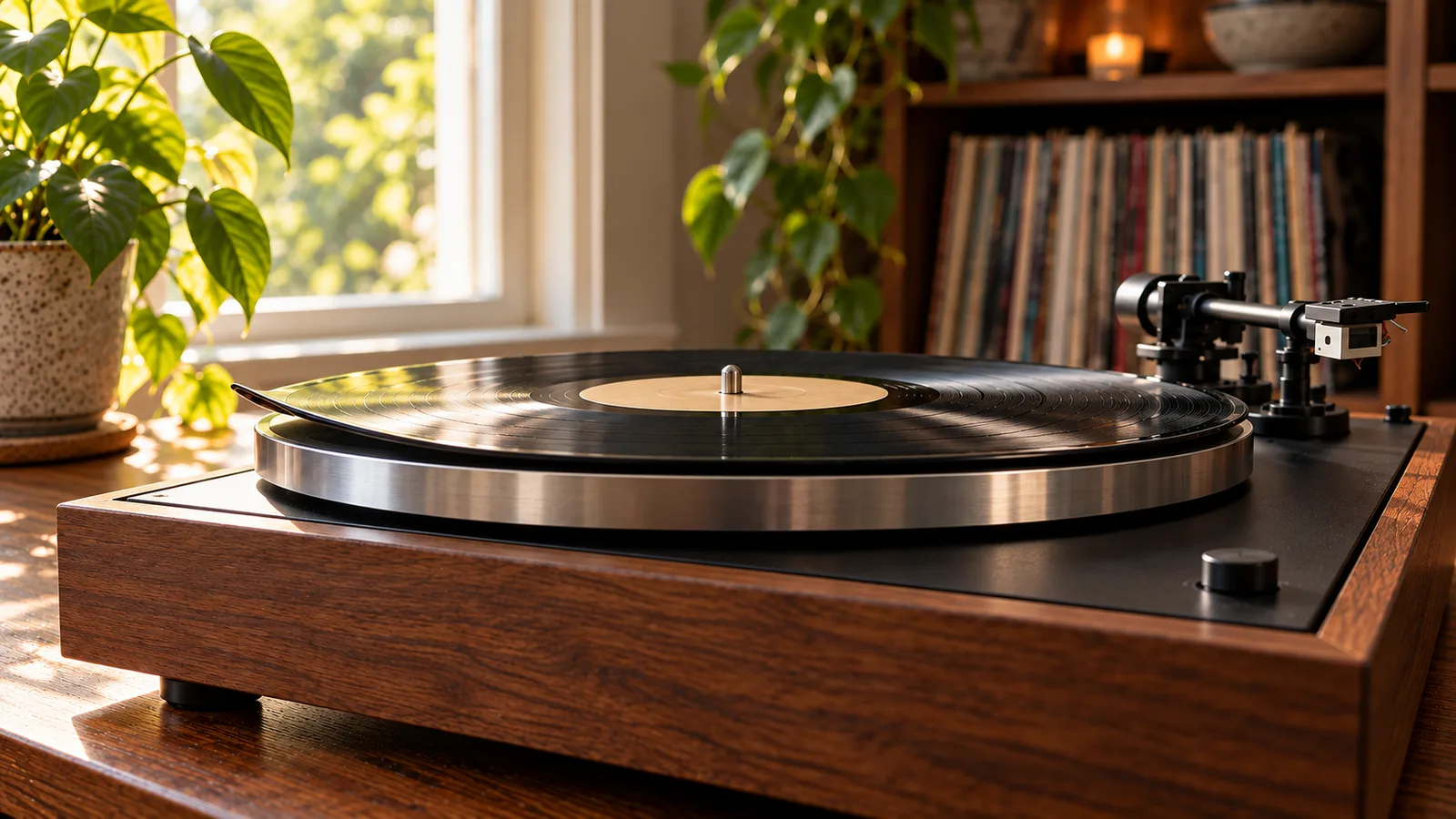
That is probably not a bad pressing. It is your turntable hearing the speakers, sending that vibration back through the amplifier, then hearing the louder result again. The cartridge has become an accidental microphone.
The expensive mistake is to change the cartridge, buy an isolation platform, and adjust the tonearm before proving which path the vibration takes. Start with four short tests instead.
Know feedback when you hear it
Acoustic feedback follows volume. It may be absent at a quiet level, appear after the volume crosses a threshold, then build if you leave it there. A damaged groove usually repeats at the same point in the music. Electrical hum can remain when the stylus is clear of the record.[3]
Feedback is often a low howl because bass energy travels well through air, floors, shelves, and cabinets. It can reach the cartridge by two routes:
- through the air, especially when the turntable sits close to a speaker or subwoofer
- through the structure, when speakers and turntable share furniture, or vibration travels through the floor and stand
Footfall is related but behaves differently. If the stylus jumps when someone walks past, the floor and support are moving. If a note grows while everyone stands still and the volume rises, suspect a speaker-to-cartridge loop.
Turn the volume down as soon as feedback starts. Do not leave the system howling while you investigate. The noise can rise quickly and sends needless low-frequency energy to the amplifier and speakers.
Run the cue-up test
Play a record at a modest level, then increase the volume only until the unwanted note begins. Use the cueing lever to lift the stylus.
- If the howl stops when the stylus rises, the cartridge was part of the loop.
- If a steady buzz remains, investigate grounding, cables, the phono input, or electrical interference instead.
- If the problem always occurs at the same musical moment, replay that passage quietly and test another record.
The specialist diagnosis is simple: feedback changes with system volume, while a defect pressed into one record does not.[3]
Do not tap the cartridge, tonearm, or plinth while the amplifier is loud. The cartridge is connected to a high-gain phono stage. A small knock can produce a large sound.
Test a second record
Choose a clean record that normally plays without trouble. Keep the setup and speaker position unchanged.
If both records start howling near the same volume setting, the room or furniture is the common factor. If only one record sounds wrong at one passage, inspect that disc and check the stylus before moving the room around.
This test also keeps warps and mistracking out of the diagnosis. A warped record can create low-frequency movement. A dirty stylus or incorrect tracking force can distort. Neither proves an acoustic loop by itself.
If the turntable has just been moved or the cartridge has just been fitted, confirm that the deck is level and that tracking force matches the cartridge specification. Treat those as setup checks, not feedback cures.
Remove the speakers from the loop
Use headphones if your amplifier or phono stage allows it. Mute the speakers and replay the same passage at a comparable listening level in the headphones.
If the problem disappears, the speakers and room were feeding energy back to the turntable. If the distortion remains in the headphones, look again at the record, stylus, cartridge setup, phono stage, and recording itself.
You can make a similar test with a subwoofer. Turn it off, lower the main speaker level, and replay the passage. A result that changes when the speakers change is useful evidence. It is not proof that the subwoofer is faulty.
Change one thing at a time. Otherwise, you may stop the howl without learning whether the useful change was speaker position, turntable support, or volume.
Fix the shortest vibration path first
Look at the physical layout before buying anything.
If the speakers and turntable share a sideboard, desk, or shelf, separate them. Put the speakers on stands or move the turntable to stable furniture that the speaker cabinets do not shake.
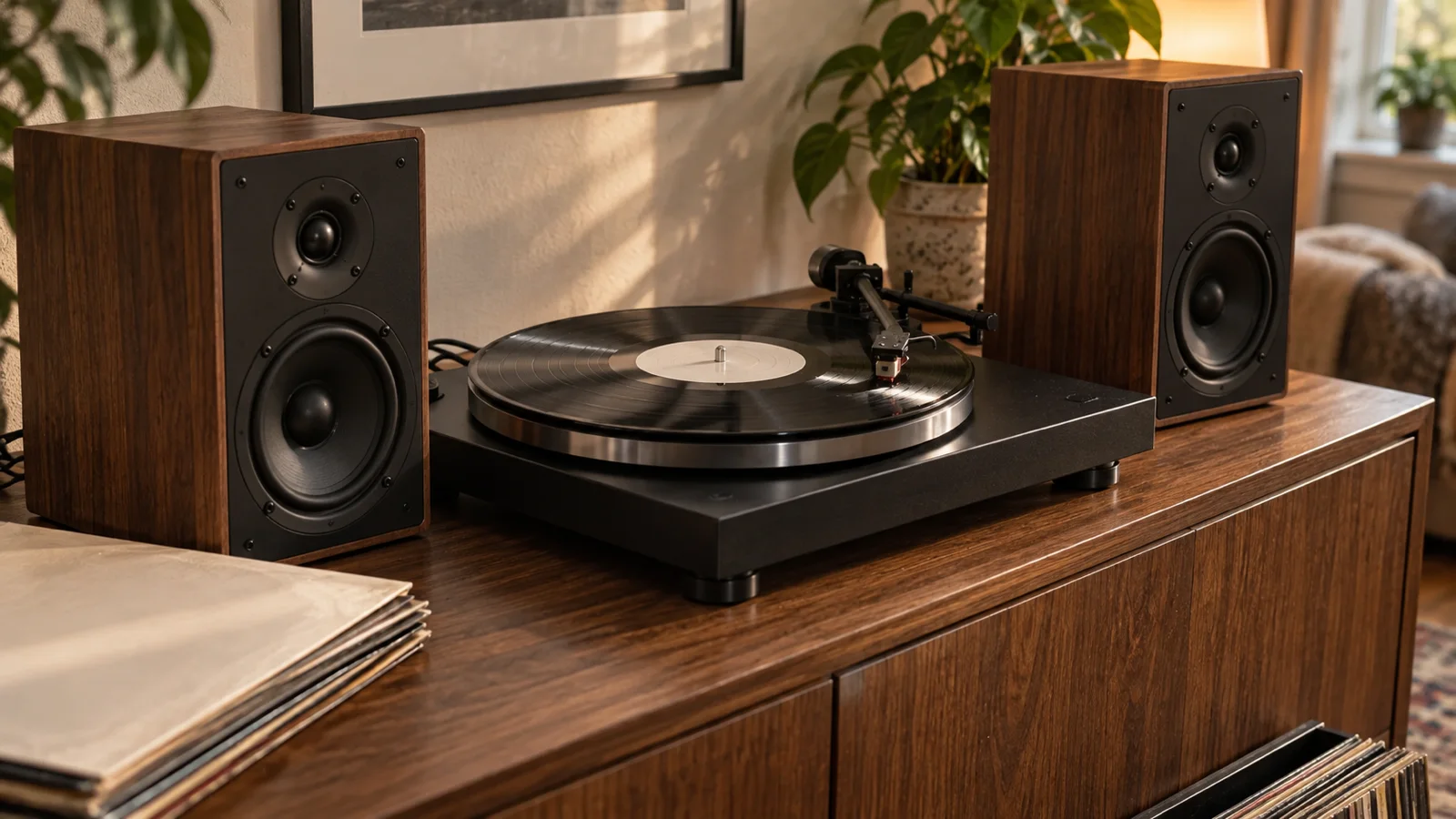
If the turntable sits between the speakers, move it away from the nearest woofer. Even a temporary move is a valid test. Replay the same passage at the old problem volume and note whether the threshold changes.
If walking causes skips or thumps, test the support separately. Place the turntable on a rigid, level surface away from foot traffic. A properly fixed wall shelf can help on a springy wooden floor, but it will not cure airborne feedback if a speaker still fires toward the deck.
IASA’s archival playback guidance calls for a stable foundation that does not transmit structural vibration to the turntable. It treats external vibration as a source of rumble and unwanted movement, not as a cartridge problem.[1]
Be sceptical of universal isolation fixes
Soft feet, dense platforms, springs, elastomer pads, and heavy slabs do not all behave the same way under every turntable.
A 2025 peer-reviewed study measured vertical vibration passing through several supports on one lightweight turntable. Springs gave the best and most consistent attenuation in that experiment, while some other supports helped one part of the deck but increased movement at the cartridge. The researchers tested external structural vibration with the motor off, so the result does not establish the best support during real playback or solve airborne feedback.[2]
That limitation matters. Do not read “springs won” as a shopping instruction. The load, spring rate, turntable mass, suspension, furniture, and problem frequency all affect the result.
Use a cheap test before a permanent purchase:
- identify whether the vibration comes through air, furniture, or floor
- move the turntable or speakers temporarily
- replay the same passage at the same volume
- buy a support only if placement cannot solve the remaining structural path
- choose a product rated for the turntable’s actual weight
An isolation accessory that looks substantial can still be a poor match. The useful result is a higher feedback threshold or the end of footfall skips, not a thicker platform.
Do not confuse these four faults
Acoustic feedback
A new note appears and grows as volume rises. It usually stops when the stylus is lifted or the speakers are muted.[3]
Electrical hum
A steady mains-frequency hum or buzz can remain with the stylus lifted. Check the phono path, grounding, cable routing, and input selection. Follow the turntable hum checklist rather than rearranging the room.
Footfall vibration
Walking, closing a door, or touching the furniture causes a thump or skip. Work on the floor-to-stand path and the stability of the support.
Record or setup trouble
The fault repeats at the same place, survives headphone listening, or appears on one disc only. Clean and inspect the record, then check the stylus and approved tonearm settings. The record-skipping guide gives a safe order for those checks.
More than one fault can exist at once. A turntable may have a grounding hum at idle and acoustic feedback at high volume. Diagnose each sound separately.
Use this ten-minute checklist
- Turn the volume down when the howl begins.
- Replay the passage quietly.
- Lift the stylus with the cueing lever.
- Test a second known-good record.
- Listen on headphones with the speakers muted.
- Turn the subwoofer off for one comparison.
- Remove speakers from shared furniture.
- Move the turntable away from the nearest woofer or corner.
- Check that its support is rigid and level.
- Repeat the same passage at the old problem volume.
Write down each change and result. A one-change log is less glamorous than a new platform. It is also much better at finding the fault.
The bottom line
A turntable converts tiny mechanical movement into an electrical signal. That is why vibration from a speaker, floor, or shelf can enter the music path.
Prove the loop before replacing parts. Lift the stylus, compare another record, mute the speakers, then separate the turntable from the thing shaking it. Most useful fixes begin with placement. Isolation hardware comes later, and only for a vibration path you have actually found.