A catalog number is often the fastest way to narrow down a vinyl pressing. It is also one of the easiest clues to trust too much.
Type the number from a record sleeve into Discogs and you may get one exact match. More often, you will find a family of releases that share artwork, a label, and a number but differ by country, year, pressing plant, or manufacturing details.
That does not make the catalog number useless. It makes it a filter.
The efficient workflow is simple: find the number, copy it accurately, use it to build a shortlist, then confirm the release with the physical copy in your hands.
What a catalog number actually is
A record label uses a catalog number to identify a release in its catalogue. Discogs describes it as usually the most prominent number printed on the release.
It may include letters, digits, spaces, hyphens, dots, or slashes. A made-up example such as ABC 1234 could identify a title within a label’s numbering system. Another label might print the same release as ABC-1234, and that punctuation can matter when you search or add data.
The catalog number is not the same thing as a universal serial number for one physical copy. Thousands of records can carry the same number. One album can also have different catalog numbers across labels, countries, formats, reissues, and parts of a multi-disc set.
Think of it as the address of a release within a label’s system, not a fingerprint for one pressing.
Where to find it on a vinyl record
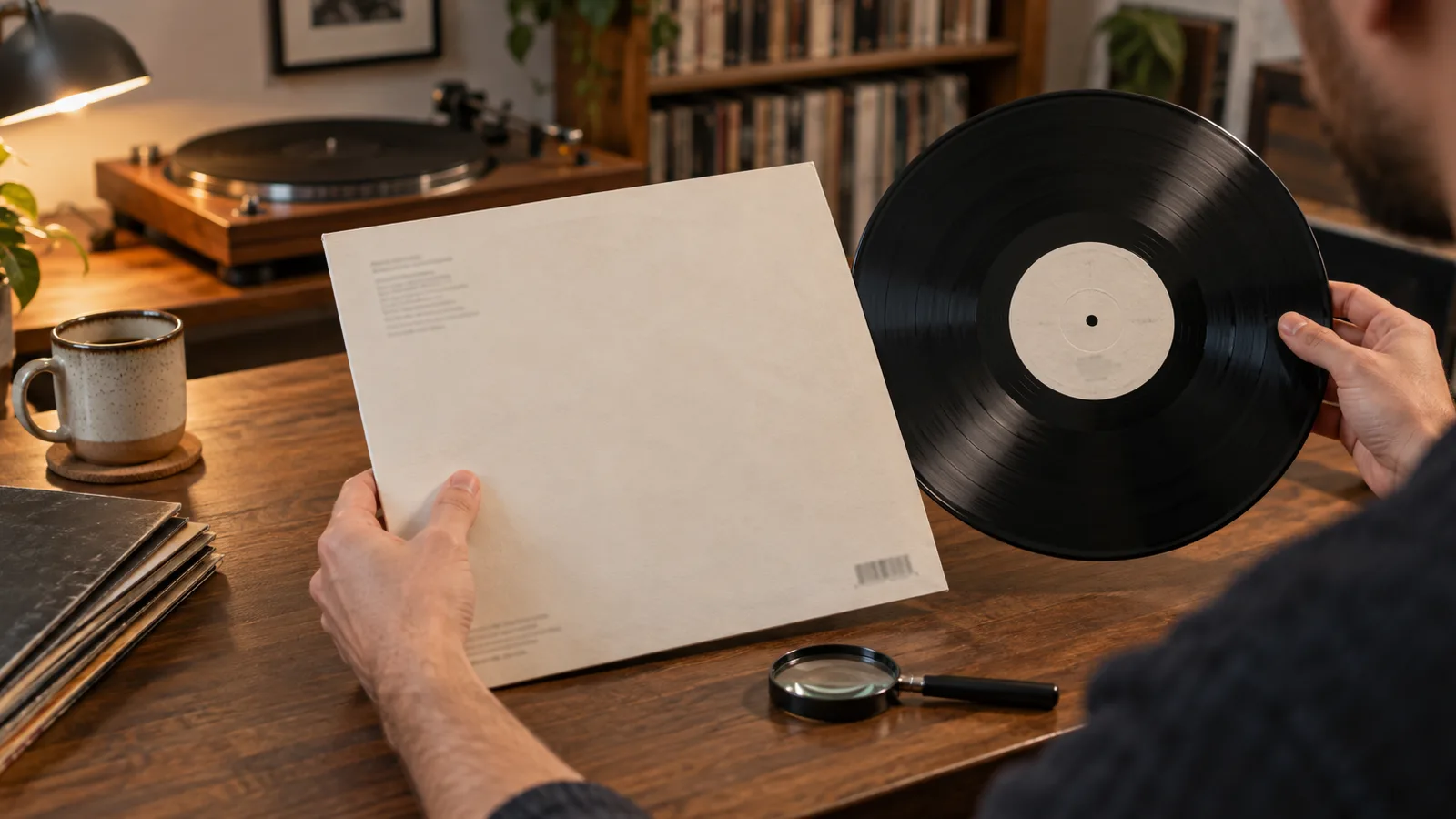
Check the easy places before reaching for a magnifying glass and reading the runout groove.
The catalog number often appears on:
- the spine of the outer sleeve
- the back cover, usually near the label or copyright details
- the record’s centre labels
- an obi strip on some Japanese releases
- a sticker or printed strip on some imports and reissues
- the inner sleeve, booklet, or other included parts
Discogs advises entering a catalog number exactly as printed. Preserve spaces and punctuation when you make your first search. If the spine says ABC 1234, start with that rather than silently changing it to ABC-1234.
Check at least two locations. A sleeve and record can be mismatched. Used shops, radio libraries, DJs, and previous owners have all had decades to put the wrong disc into the right-looking jacket.
If the sleeve says one number and the label says another, do not choose whichever produces the tidier search result. Treat the mismatch as evidence that needs explaining.
Do not confuse it with every other number
Vinyl packaging is crowded with codes. Several can look like catalog numbers while doing different jobs.
Barcode
A barcode identifies a retail product, but it does not always separate every pressing. Reissues and regional versions may have different barcodes. Some older records have no barcode at all.
Scan it to create a shortlist, not to end the search.
Matrix and runout information
The letters and numbers etched or stamped near the label belong to the manufacturing trail. They may include a version of the catalog number, side designations, lacquer-cut details, plant marks, and engineer signatures.
Matrix and runout data can separate releases that share the same catalog number. Our guide to reading vinyl matrix numbers covers that final identification step.
Label code and rights-society marks
European releases may show a label code beginning with LC. Rights-society names and identifiers can also appear near the copyright text. Discogs stores these as separate identifier types, not as catalog numbers.
Distribution and price codes
A sleeve may carry codes for a distributor, market, or price category. These can help confirm a regional edition, but they are not automatically the label’s catalog number.
The practical rule is to look for context. Which code appears beside the label name? Which one repeats on the spine and centre label? Which numbers does Discogs classify under “Label” rather than “Barcode and Other Identifiers”?
Use the catalog number to make a shortlist
Start with a plain web or Discogs search that combines:
- the catalog number in quotation marks
- the artist name
- the label name, if it is clear
For a hypothetical copy, that might be a search for "ABC 1234" artist label. Quotation marks help keep the spaces and punctuation together.
Open the likely specific release pages. A Discogs master groups different versions of the same title, while your collection needs the release that matches the copy in front of you.
Now compare the shortlist against details that are quick to see:
- country or market
- release year
- record size and playback speed
- mono or stereo
- colour and number of discs
- sleeve design and label layout
- barcode
- printed credits and copyright lines
- included inserts, booklets, or posters
Remove candidates as soon as one physical fact rules them out. If your copy has no barcode, a release page showing a barcode printed on the back sleeve is probably not your copy. If the centre-label design is different, keep looking even when the catalog number matches.
Why one number can lead to several releases
Labels reuse artwork and manufacturing parts. Distributors add territory-specific information. A later pressing may keep an older sleeve. A licensed edition can display both the original label’s number and a local number.
Discogs’ catalog-number rules account for releases with multiple numbers, slight formatting differences, and separate numbers for individual records in a set. That is a good warning for collectors: real packaging does not always follow one neat system.
Common reasons for several matches include:
- the same title was pressed in more than one country
- a repress kept the original catalog number
- stereo and mono editions used closely related numbers
- a club or licensed edition added its own identifier
- a multi-LP set printed a set number and separate disc numbers
- old artwork was reused for a newer pressing
- a sleeve and disc were paired incorrectly after sale
None of these possibilities proves what you have. They explain why the number gets you close without always getting you home.
Handle multiple catalog numbers carefully
Some copies genuinely display more than one catalog number.
Look at where each number appears and which company is beside it. One may belong to the issuing label, another to a regional partner, and another to one disc in a set. Discogs may list all of them for the same release.
For a box set or double album, distinguish the number for the complete package from the numbers printed on individual discs. Searching only a disc number can produce replacement copies, promos, or releases that reused part of the set.
Do not combine two printed numbers into a new hybrid code. Record each one as it appears, then use the rest of the packaging to understand the relationship.
This matters when buying a replacement disc. The correct disc number is useful, but label design, side pairing, and runout details still need to match the set you own.
Know when to move to the runout
Stop searching the catalog number harder once several candidates remain visually identical. That is the moment to inspect the runout.
Use a bright, movable light and hold the record by the edge and label. Copy the etched or stamped information one section at a time. Then compare the whole pattern with the candidate releases.
Do not expect one magic character to solve every copy. Discogs recommends checking the catalog number, images, and other identifiers together. Pressing identification works by agreement between clues.
A sensible evidence order is:
- format, label, and catalog number
- country and visible packaging details
- barcode and other printed identifiers
- centre-label design and text
- matrix and runout data
The order saves time. There is no point transcribing a faint runout for ten minutes if the candidate page shows the wrong sleeve, label, or country.
Watch for these catalog-number traps
The number matches, so the pressing must match
No. A matching number earns a release a place on the shortlist. It does not confirm the pressing by itself.
The first search result is the original pressing
Search rankings do not establish release order. Confirm the country, date, label design, and manufacturing details.
The sleeve is more trustworthy than the record
Not automatically. A mismatched sleeve and disc are common enough that both parts need checking. Record the copy you physically own, including the mismatch.
The barcode confirms everything
A barcode is another filter. It may narrow the edition quickly, but identical or missing barcodes do not override conflicting label and runout details.
A number in the runout must be the catalog number
It may resemble one, especially with a side suffix, but runouts contain several kinds of manufacturing information. Discogs only supports deriving a catalog number from matrix data when other evidence backs it up.
Save the answer once
After you confirm the release, keep a short identification note with the exact edition.
Useful details include:
- catalog number exactly as printed
- the locations where it appears
- barcode or absence of one
- country and year
- the decisive runout section
- any sleeve and disc mismatch
- a link to the specific Discogs release
My Vinyl+ can store the confirmed Discogs edition and the note with your collection entry. That turns the work into something useful when you are shopping, valuing the collection, selling a duplicate, or checking a replacement disc.
Keep the note short. “UK copy, no barcode, catalog number matches sleeve and labels, A-side runout ends in X” is more useful than pasting every field from a database page.
Use this identification checklist
Before you add or buy a copy, check:
- the catalog number is copied exactly
- the sleeve and centre label agree
- you opened a specific release page, not only the master release
- country, year, format, and label match
- sleeve and centre-label images match
- the barcode and other printed codes fit
- multiple catalog numbers have been kept separate
- the runout confirms the choice when several candidates remain
- any mismatch is written down rather than ignored
If you are buying online, ask the seller for photos of the centre labels and the relevant runout section when the listing does not settle the edition. A catalog number in the title is not enough for an expensive copy.
The bottom line
A vinyl catalog number is a quick route into the right group of releases. It is not proof of one exact pressing.
Find it on the spine, back cover, or centre label. Copy it as printed. Search it with the artist and label, then compare the country, format, artwork, barcode, label design, and other identifiers. Read the runout only when the easier clues leave more than one candidate.
Used this way, the catalog number saves time. Used alone, it can give a wrong answer with impressive confidence.
Sources: Discogs: How Does The Collection Feature Work?, Discogs Database Guidelines 4: Label and catalog number, Discogs Database Guidelines 5: Barcodes and identifiers, Discogs: How To Find Information On A Vinyl Record.